
Banned from AION 2 for no reason
Two weeks in, level 45, the packs paid for. Then “Operational Policy.”
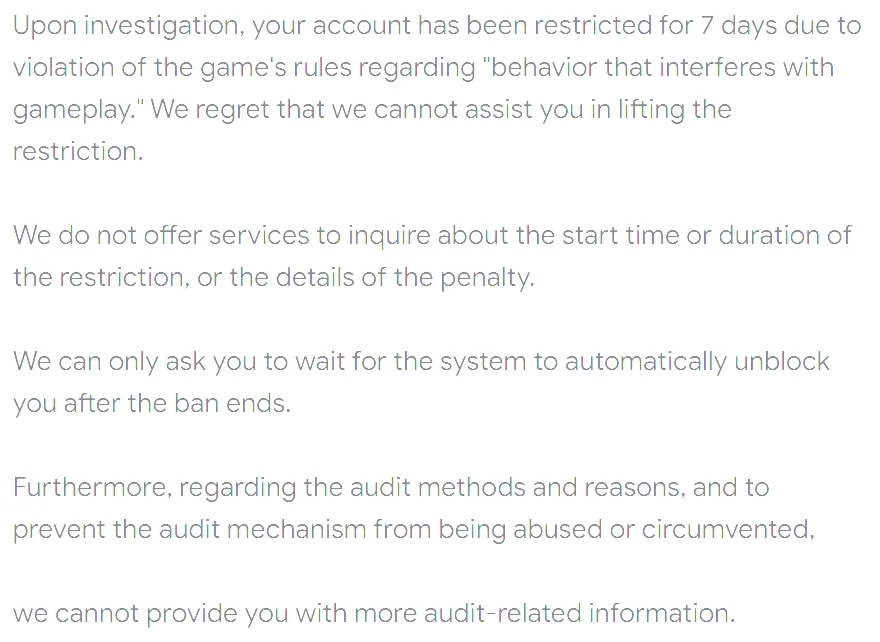
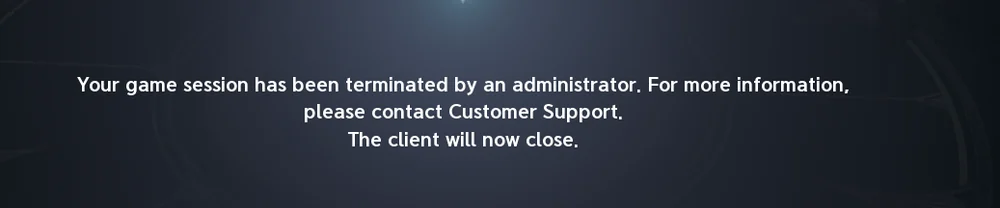
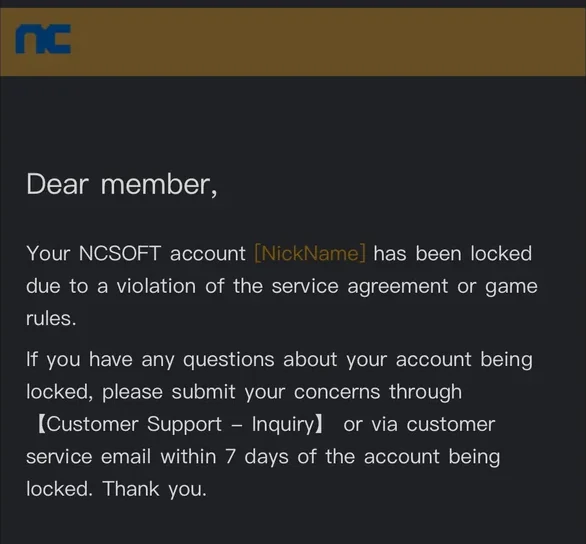
Level 45, packs bought. Then: “This account has been restricted in accordance with our Operational Policy.” No reason, no length.
What most players try next
- A ticket at NC’s help site, answered with a template.
- A second and a third ticket, while the first one waits.
- A new account, though that can make it worse.
“they give you absolute 0 information and just say you are restricted. I did write a ticket”
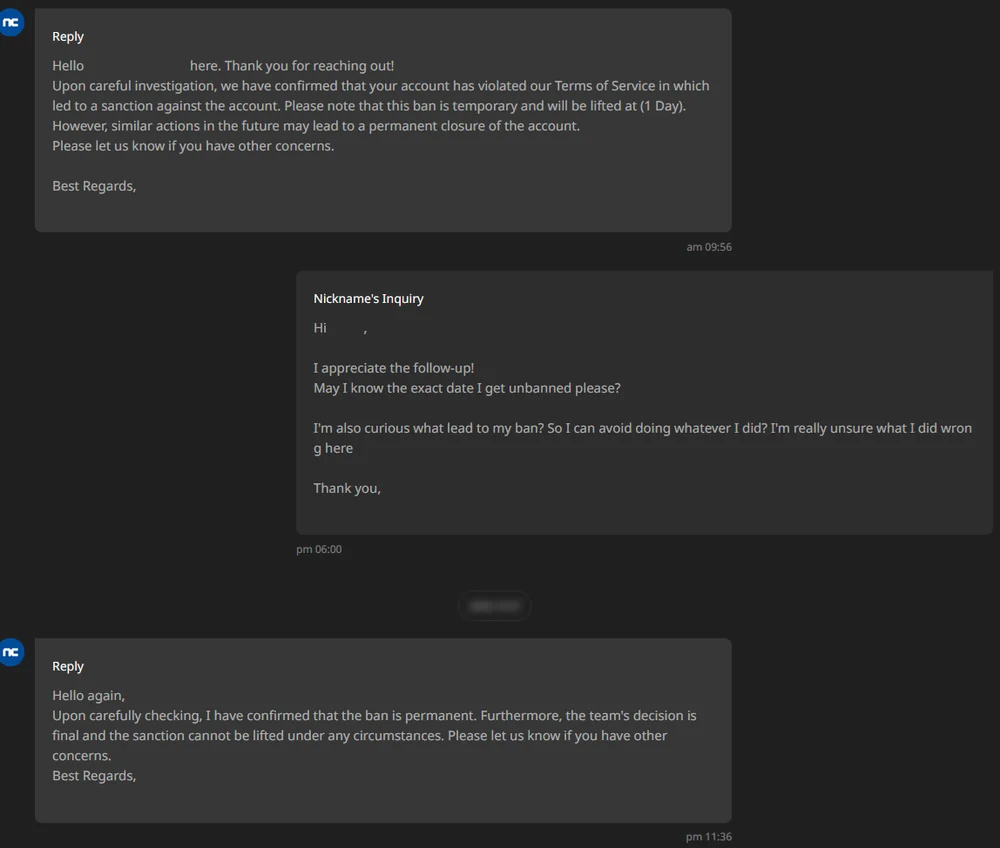
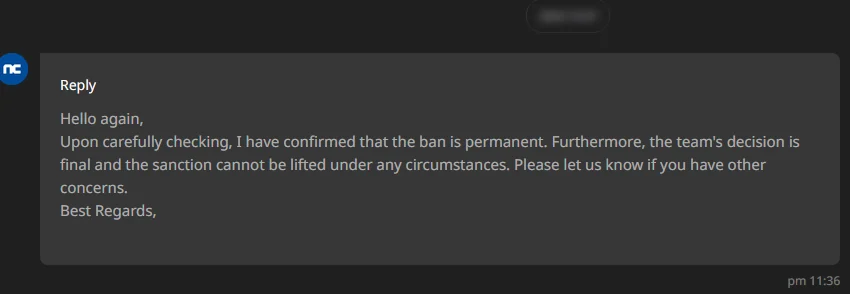
A real ticket: a one-day ban, then “permanent”. Personal details hidden.
What changed
- Within weeks of the Korean and Taiwanese launch, NC Taiwan restricted 15,244 accounts in one notice.
- By 11 November 2026 NC had posted ten global notices, 98,808 accounts in all.
- NC keeps posting waves, and every ticket goes to the support that writes “final”.

NC’s notice for AION 2’s first global ban wave: 4,996 accounts.
NC’s own words leave the door open.
“Furthermore, the team’s decision is final and the sanction cannot be lifted under any circumstances.”

“If your account was restricted or locked and you believe this was done in error, please submit a ticket through Customer Support as soon as possible. [...] Every request is reviewed individually.”
Both lines are NC’s, days apart. A person can check facts: your session, your programs, where you connected from.
AION 2 restrictions have been lifted after a second look
“We immediately lifted the sanction on some accounts that are hard to regard as intentional abuse.”
“Myself and 3 of my friends (4 total) were all unbanned and acknowledged by the way”
It happened to us first.
I lost my first account when I was a kid. Lineage 2, banned overnight. My English was poor, there was no AI to help, and nobody online had answers. So I wrote to them. Then again, and again, in every way I could find. Most of it went unanswered. It came back anyway, because I didn't stop.
The founder of Owlibi
Read the whole story