A suspended Instagram account is hidden and unusable, but you can still appeal: Instagram's screen counts down 180 days. A disabled account is what Instagram's screens call permanent. It comes when the countdown ends or a review fails, or at once for the most serious cases. A deactivated account is usually one you switched off yourself, and it comes back when you log back in. Instagram's ban screens don't use the word "deactivated".
Every quote below comes from Instagram's own screens, emails and help pages, or from the published rules of Meta, the company behind Instagram. The dated screens run from July 2024 to January 2026, and the help pages were read on 18 November 2026.
Suspended, disabled or deactivated: the difference at a glance
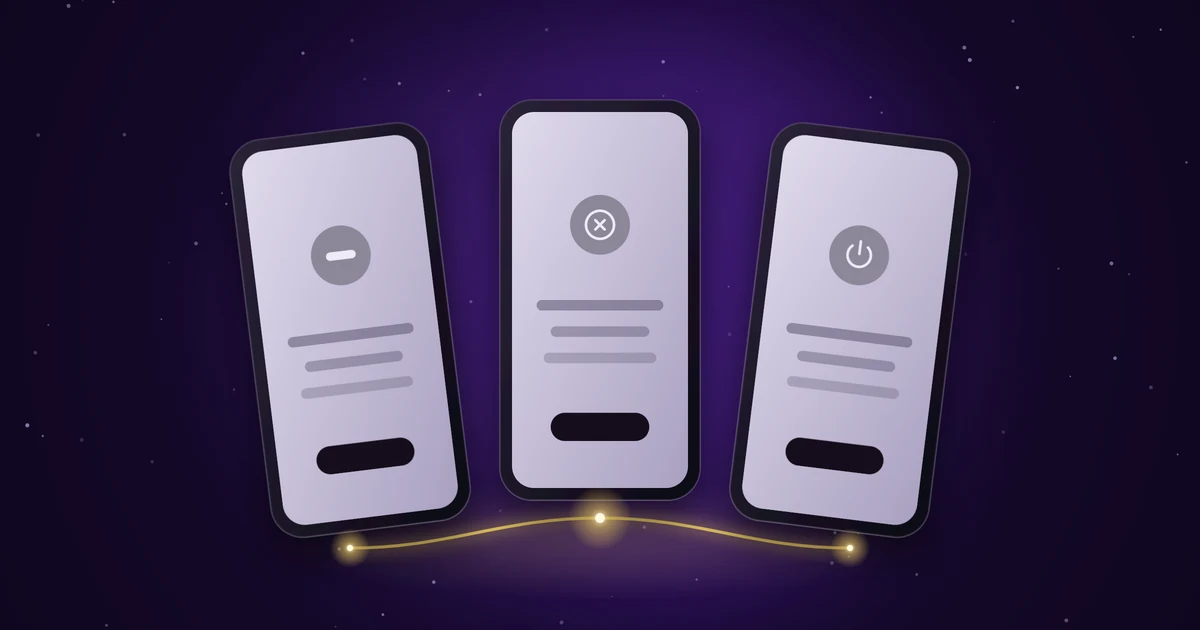
Instagram shows one screen for a suspended account and another for a disabled one. The headline tells you which one you're in.
| What you see | What it means | What you can still do |
|---|---|---|
| "We suspended your account", with a countdown | Instagram has hidden the account, and you can't use it for now | Appeal before the countdown ends |
| "You submitted an appeal on" a date | Instagram is reviewing the account | Wait, and check the same screen |
| "We disabled your account", after the 180 days or a failed review | Instagram has turned the account off for good | No more review in the app. Download your information if the screen offers it |
| No Instagram screen: you turned the account off yourself | Your own choice, not a ban | Nothing to appeal. Log back in to reactivate it |
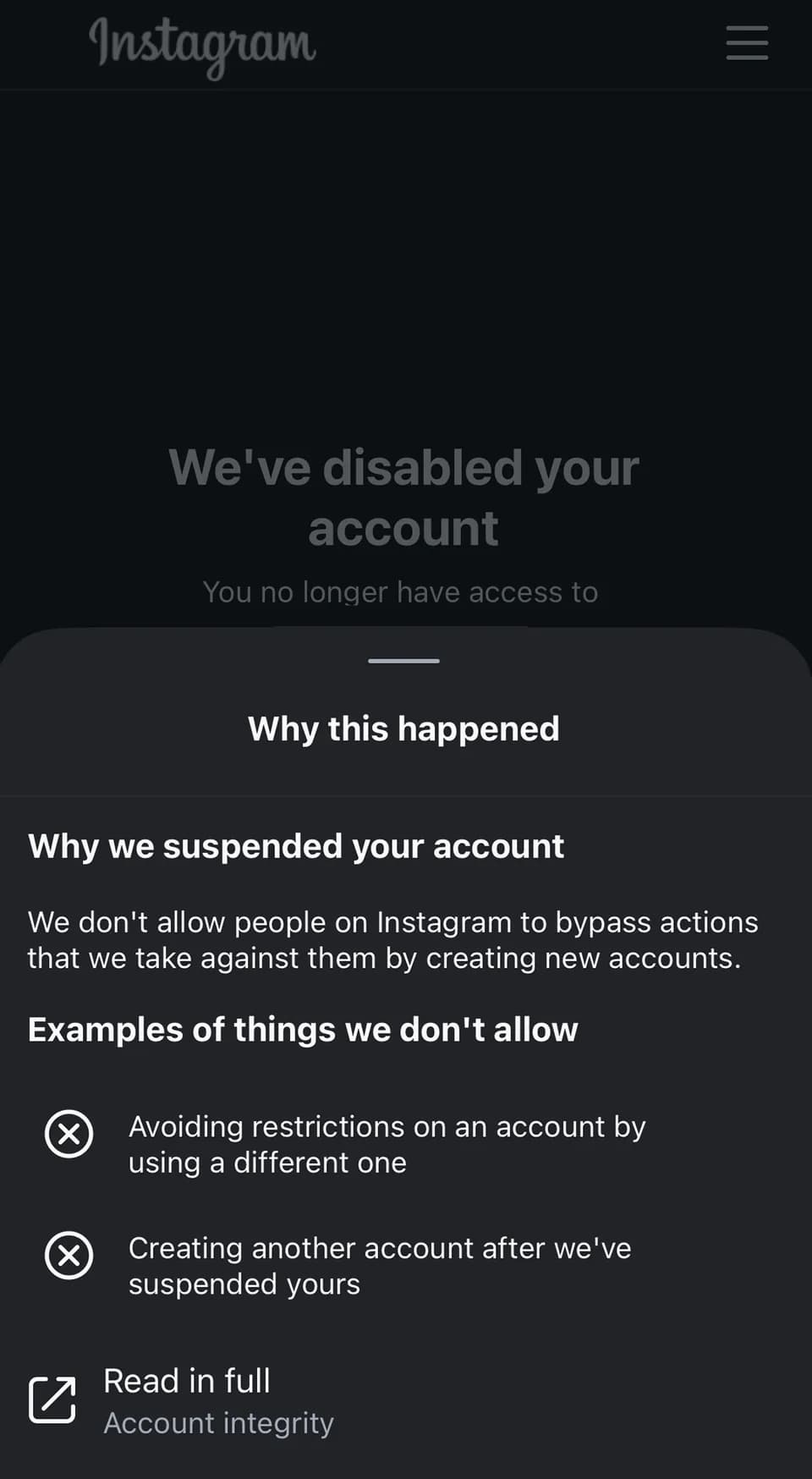
Instagram's own words aren't always tidy. One screen with the headline "We've disabled your account" explains underneath "Why we suspended your account". Go by the headline, and by whether a countdown shows.
What suspended means on Instagram
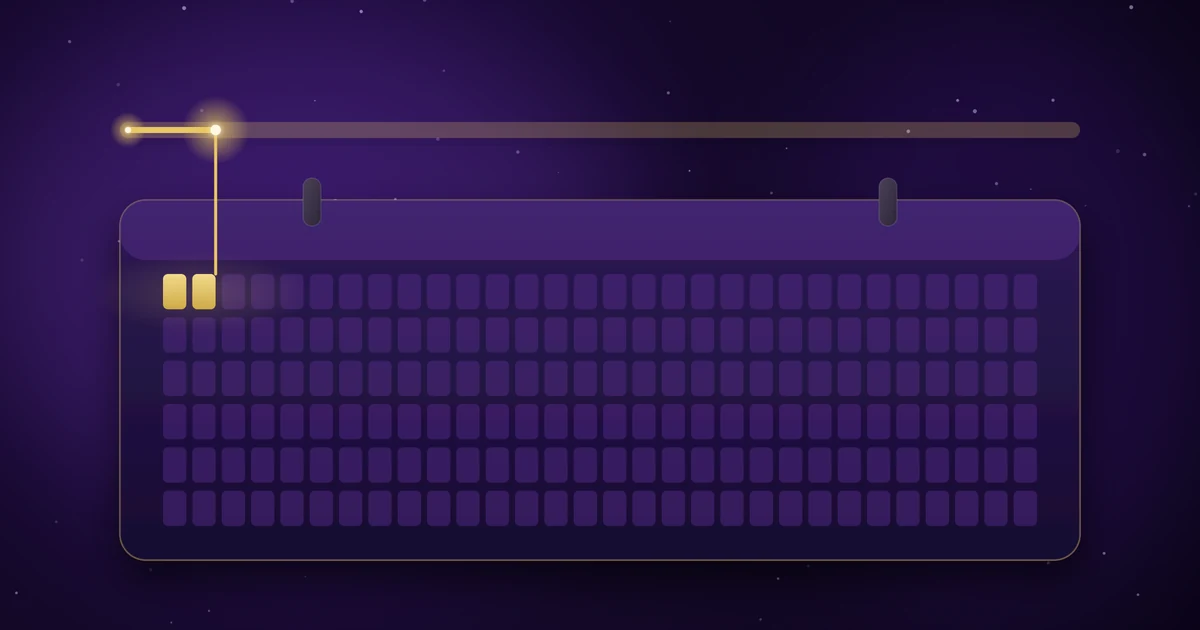
An Instagram suspension is a waiting state. The account is switched off, but Instagram hasn't made its final call. Instagram's suspension screen says "We suspended your account" and then gives a countdown: "180 days left to appeal or we'll permanently disable your account." The date of the suspension sits under it. Instagram's help page says you are also told "in an email".
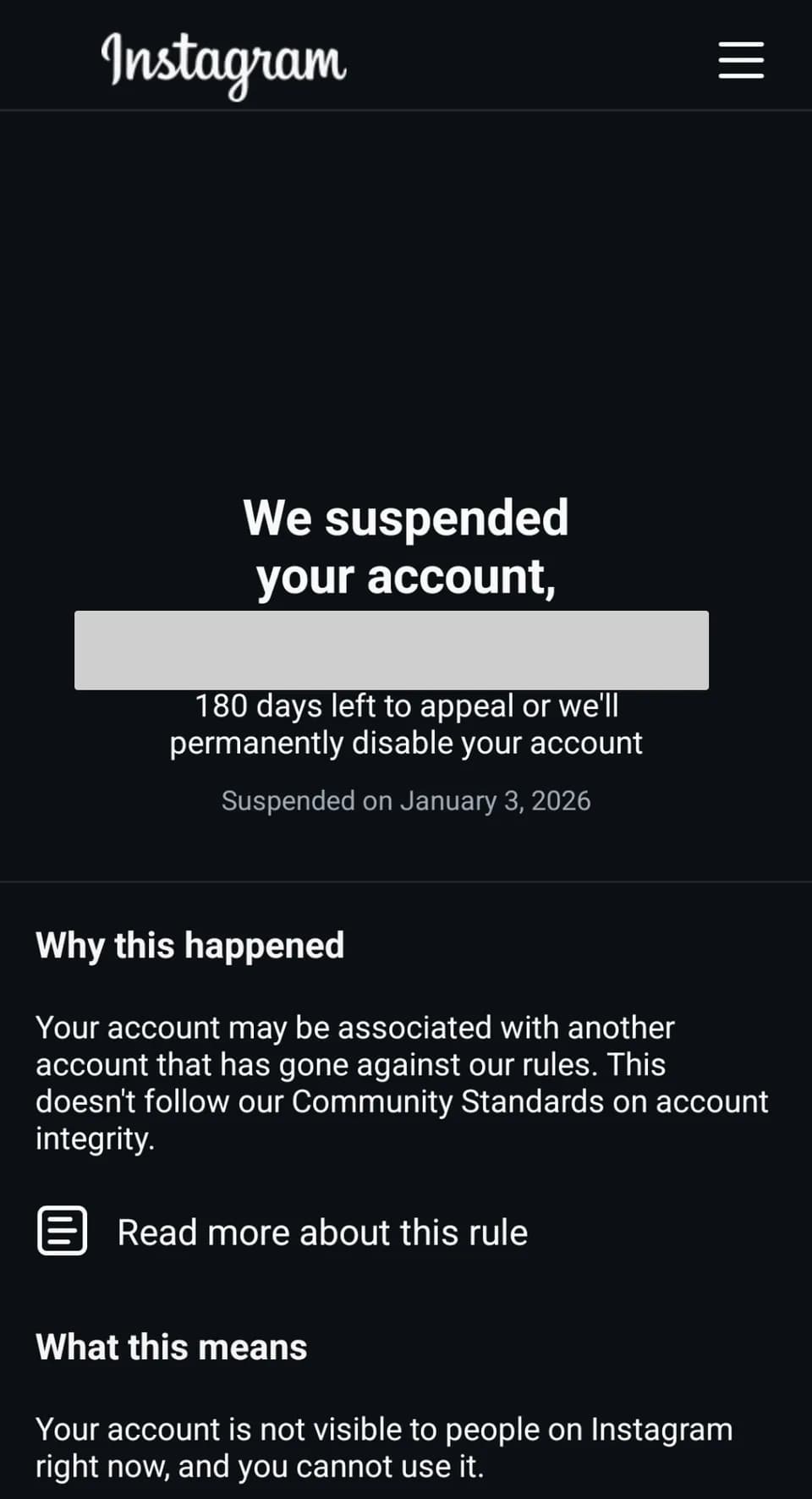
The rest of Instagram's suspension screen comes in two parts:
- Why this happened. A short reason, then a link: "Read more about this rule."
- What this means. "Your account is not visible to people on Instagram right now, and you cannot use it."
A suspended Instagram account isn't deleted: the screen says it is hidden "right now". The appeal stays open until the countdown ends. How long a suspension lasts, and what each clock counts, is in our guide to how long an Instagram appeal takes.
Instagram may warn you first
Instagram's help page on Account Status says that "in most cases, you'll get a warning before losing access to your account." The line is about posts removed again and again for breaking the Community Standards.
The warning can come by email. One Instagram email with the subject "Important information about your account" says the account "will be suspended soon", because it doesn't follow one of Instagram's most serious rules. Keep an email like that. It names the rule before the suspension screen does.
What disabled means on Instagram
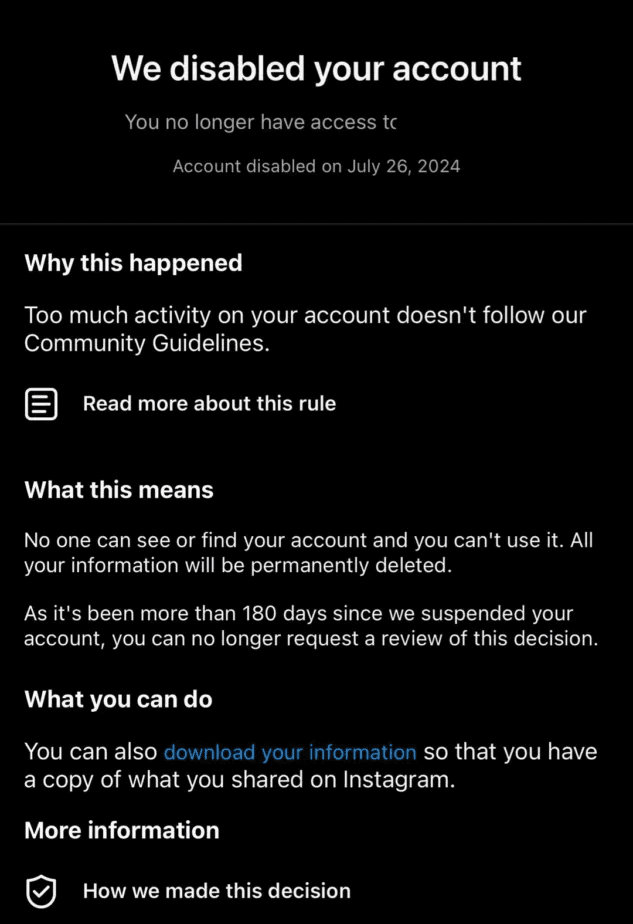
A disabled Instagram account is one Instagram has turned off for good, in its own words: its screens say "permanently disable". Instagram's disabled screen says "We disabled your account" and gives the date. Under "What this means", one disabled screen reads: "No one can see or find your account and you can't use it. All your information will be permanently deleted." Instagram's help page on disabled accounts adds that if you think it was a mistake, you "may be able to ask us to review the decision" by logging in. Your own screen says whether a review is still open.
Three ways an Instagram account ends up permanently disabled
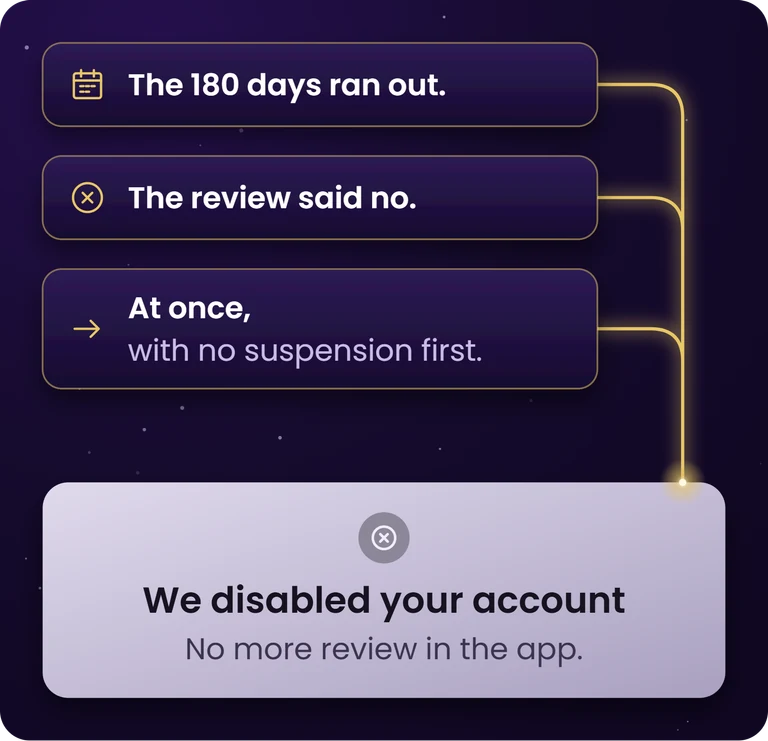
- The 180 days ran out. A disabled screen from July 2024 says: "As it's been more than 180 days since we suspended your account, you can no longer request a review of this decision."
- The review said no. Instagram's review screen warns that if the account "doesn't follow our Community Standards, it will be permanently disabled and you won't be able to appeal again."
- At once, with no suspension first. Meta's rules disable an account after one violation of the most severe kind. Accounts made to get around an earlier ban are disabled as soon as Meta finds them.
What Instagram's disabled screen still lets you do
The July 2024 disabled screen offers one thing under "What you can do": to "download your information so that you have a copy of what you shared on Instagram." It also links to "How we made this decision." The same screen says your information will be permanently deleted, so take the copy while the screen still offers it.
An older Instagram appeal form is blunter: "The decision to disable your account can't be reviewed." It gives two reasons: Instagram "already reviewed it and decided it can't be reversed", or more than 30 days had passed since the account was disabled.
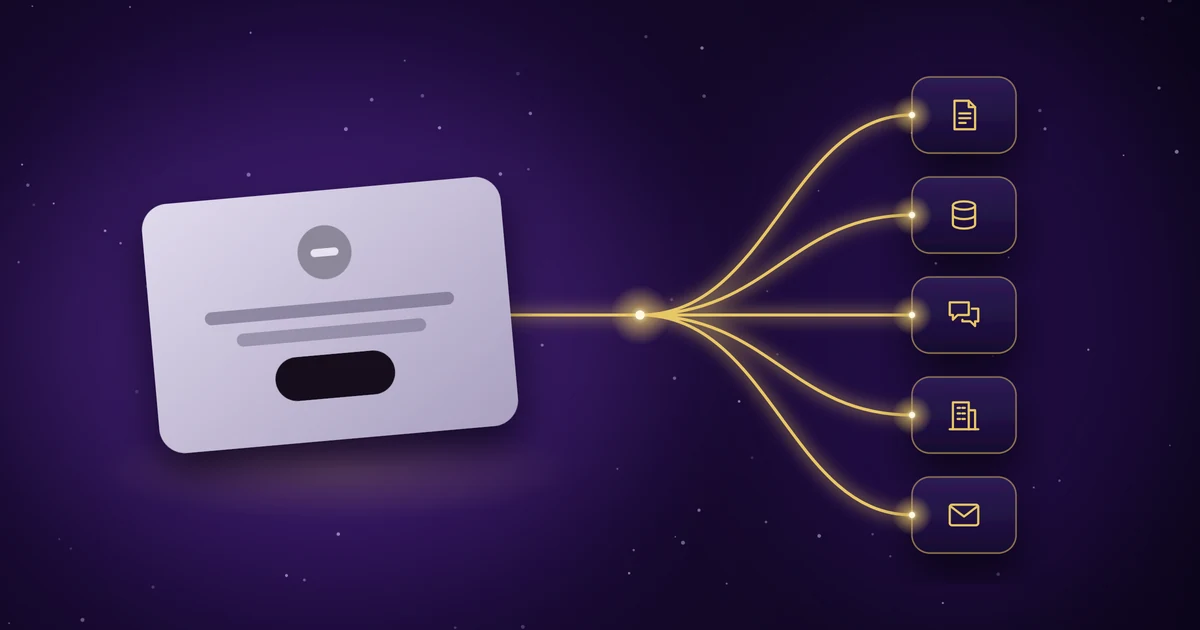
A disabled account ends the review in the app. Written routes outside the app can still be open, and which ones apply depends on where you live and the kind of account you have. In the EU, for example, an outside dispute body can look at Instagram's decision. Our guide to the next steps after a rejected or ignored appeal covers what comes after a no.
My Instagram account was deactivated: what it can mean
On Instagram, a deactivated account is usually one its owner switched off, under "Deactivation or deletion" in Accounts Center. Instagram's help page says the profile's photos, comments and likes stay hidden "until you reactivate it by logging back in." Instagram's ban screens don't use the word. They say "suspended" or "disabled". The word does turn up in Instagram's email: one Instagram reply to an appeal carries the subject line "My Instagram Account Was Deactivated". So "my Instagram account was deactivated" can mean one of three things:
- Instagram suspended it. You see "We suspended your account" and a countdown. The account can still be appealed.
- Instagram disabled it. You see "We disabled your account" or "We've disabled your account". Instagram's screens call this permanent.
- You turned it off yourself. That's your own choice, not a ban, so there's nothing to appeal. Log back in to reactivate it.
Can you reactivate a deactivated Instagram account?
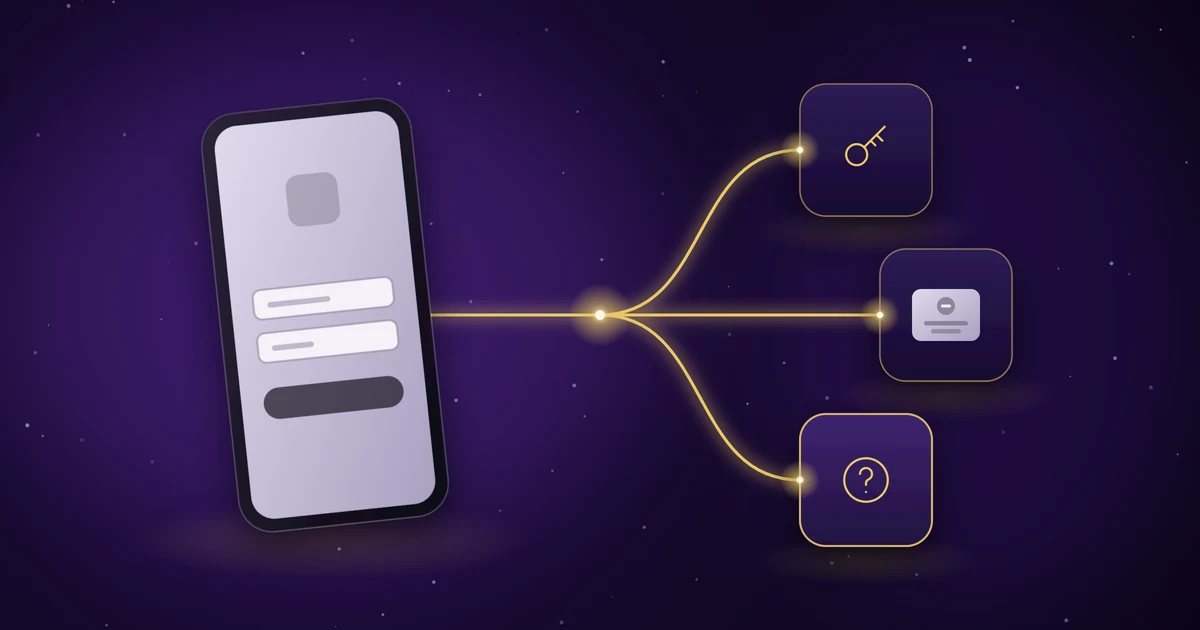
A deactivated Instagram account comes back if you switched it off yourself: log back in and it returns. If Instagram disabled the account, logging in shows Instagram's disabled message instead, and its screens call that permanent. A suspension isn't permanent yet: the countdown and the appeal are still open.
Deleting the account yourself is final once it goes through. Instagram's help page says: "If your account was deleted, there's no way to restore it." Instagram says the profile and its information are permanently deleted 30 days after you ask, and that the deletion can take up to 90 days to finish once it begins. How long you have to cancel varies by region.
Can't log in, and no Instagram screen at all?
If you can't get into your Instagram account and see no suspended or disabled screen, the cause may not be a ban at all. Instagram's help page names three other causes: a login problem, someone else getting into the account, or the account being deleted "by you or someone with your password". If someone else got in, these are the signs of a hacked account, and how they differ from a ban.
Why Instagram suspends or disables accounts
Instagram names its reason on the screen itself, under "Why this happened". Each reason points to a rule in Instagram's Community Guidelines or Community Standards. The quotes below are word for word from Instagram's screens and emails:
| What Instagram says | The rule behind it |
|---|---|
| "Your account may be associated with another account that has gone against our rules." | Account integrity |
| "We don't allow people on Instagram to bypass actions that we take against them by creating new accounts." | Account integrity |
| "Too much activity on your account doesn't follow our Community Guidelines." | Community Guidelines |
Meta's published rules add the patterns that lead to a suspended or disabled account:
- Breaking the rules again and again. A removed post can bring a strike. Meta counts strikes on Instagram and Facebook alike, and all of them expire after one year. In most cases a warning comes before you lose access. If Facebook acted too, our guide to a disabled or suspended Facebook account explains each notice.
- One severe violation. Under the most severe rules, a single violation disables an account.
- Getting around a ban. An account made to get around an earlier ban is disabled as soon as Meta finds it. So is an account that misrepresents who is behind it.
- What you engage with. Engaging with content that breaks the rules, or being a member of groups Meta removed under its more severe rules, can also lead to action on your account.
Why did Instagram suspend my account for no reason?
Instagram's suspension screen does give a reason, under "Why this happened", but it can be one short line. Three things can make it feel like no reason at all:
- Nobody had to report you. Meta's Transparency Center says: "Our technology proactively detects and removes the vast majority of violating content before anyone reports it."
- The reason can be another account. One suspension screen says the account "may be associated with another account that has gone against our rules." It doesn't say which account.
- Instagram gets it wrong, and says so. Instagram's email when an account comes back reads: "We're sorry we got this wrong and that you weren't able to use Instagram, for a while." Even bans for Instagram's most serious rules get reversed, so a scary reason on your screen doesn't mean the decision was right.
What to do next on each Instagram screen
Each Instagram screen leaves you different options. Read yours before you do anything.
- "We suspended your account". The countdown is your time to appeal. Make the review count: Instagram's review screen says that if it goes against you, "you won't be able to appeal again." Our guide on how to write a ban appeal letter covers it part by part.
- "You submitted an appeal on" a date. The screen says "Check back here." Until Instagram answers, the account stays hidden.
- "We disabled your account". If the screen says the 180 days have passed, or your review went against you, no review is left in the app. Download your information if the screen offers it, then look at the written routes for where you live.
- You turned it off yourself, or deleted it. It isn't a ban, so nothing above applies.
Steps that keep your options open
- Screenshot every screen and email. Note the date and the exact reason Instagram gave.
- Don't open a new account to get around it. Instagram lists "Creating another account after we've suspended yours" among the things it doesn't allow. Meta disables accounts like that as soon as it finds them.
- Read the rule behind the reason. Instagram's screen links to it: "Read more about this rule."
- Be wary of strangers who message you about your account. Don't trust offers to get it back, and never share your password or a login code. Owlibi never messages anyone first, and never asks for a password, a code or ID.
If your Instagram account is suspended or disabled, Owlibi prepares the letters for every route your case allows, as part of our Instagram ban appeal help. You send each letter yourself. We don't guarantee unbans.
Not sure what's left? Tell us in the free case check. We answer by email within 24 hours with whether we take your case and what it costs.
Written by
Owlibi
Owlibi is a specialist account appeal service preparing personalised appeals, escalation letters and step-by-step guidance beyond the standard appeal process.
About Owlibi